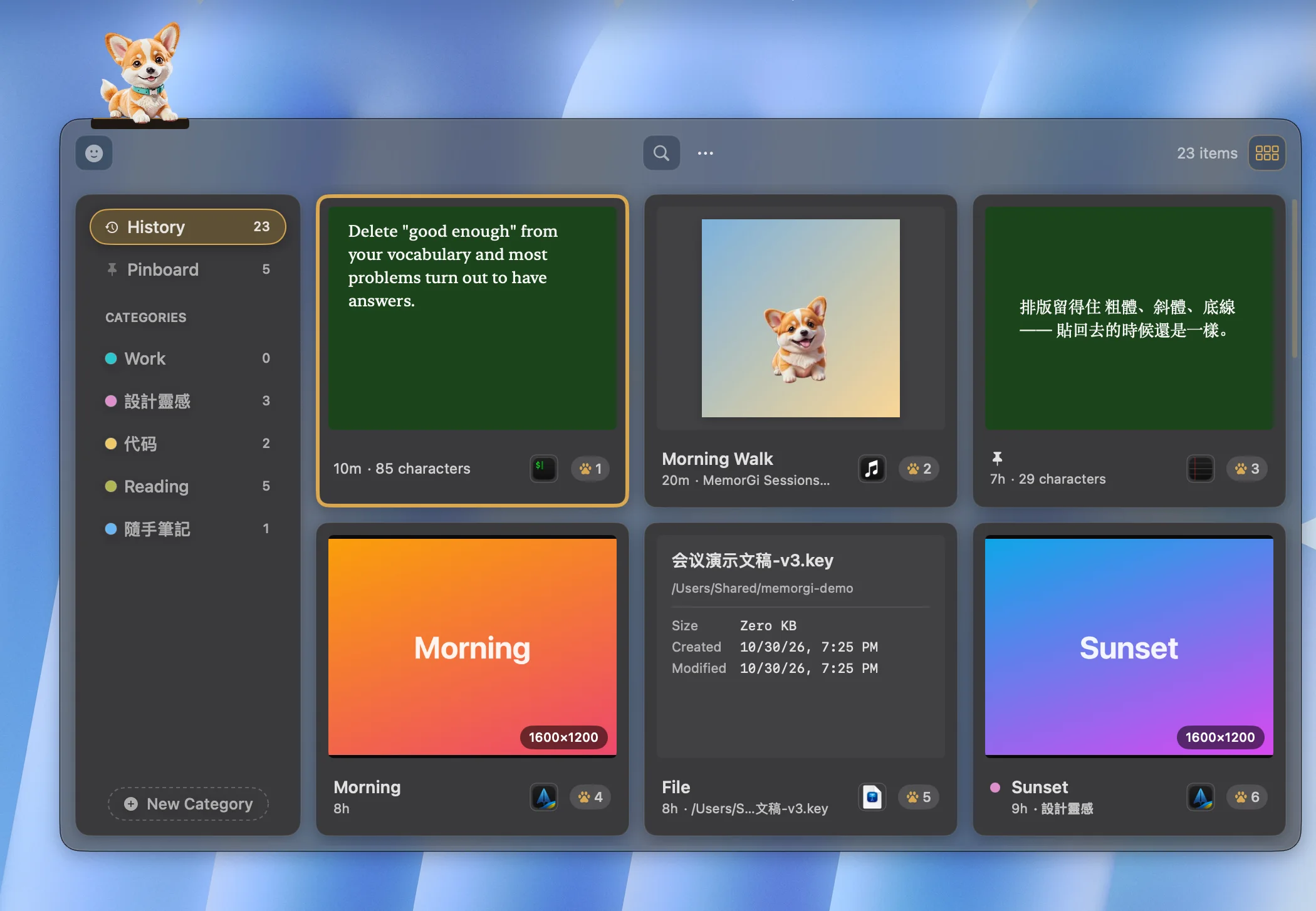
Two windows
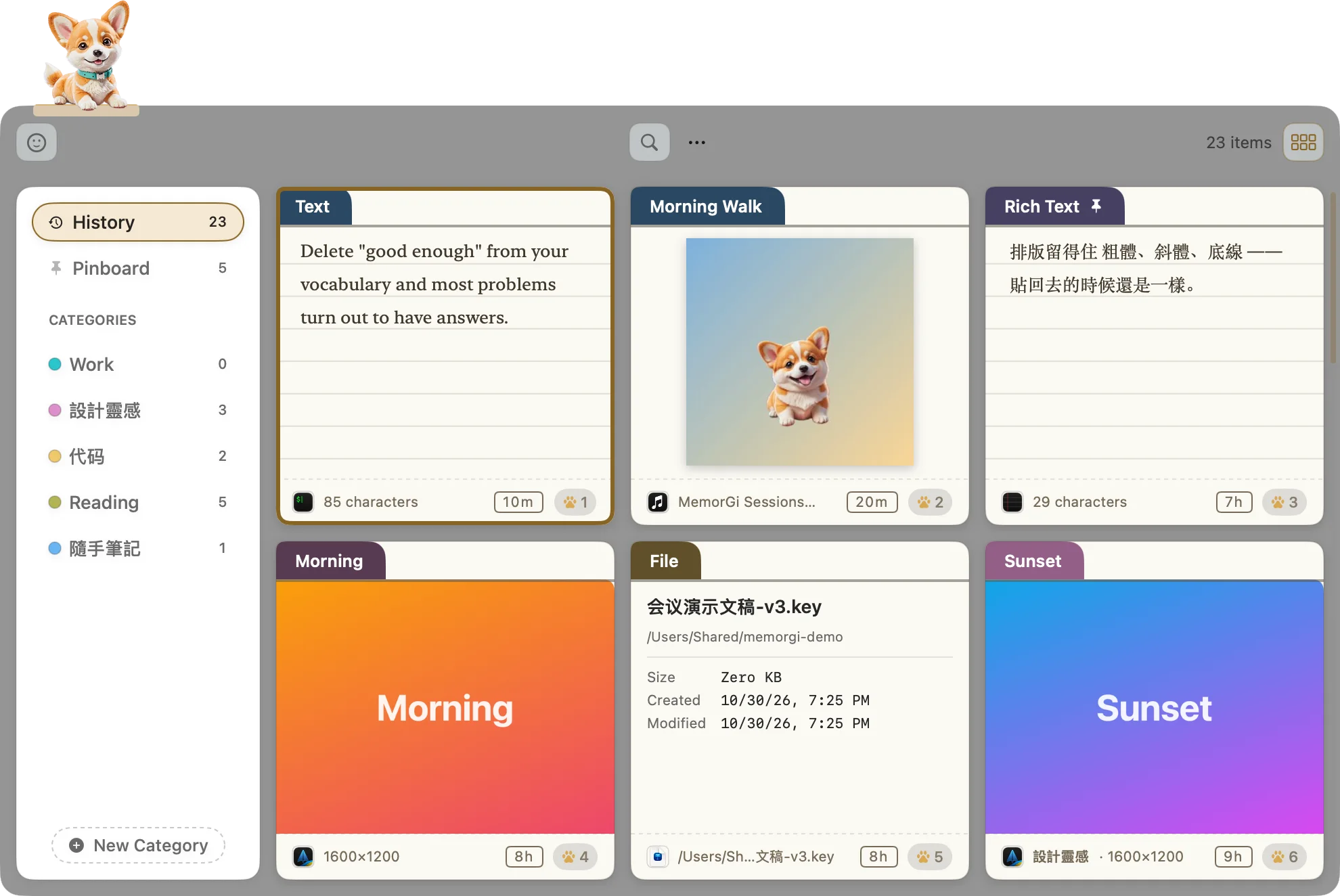
MemorGi Window floats where you drop it, with categories on the side. Classic runs along the bottom of the screen.
 Email me at launch
Every copy becomes a card you can find again, preview, and paste back. Press ⇧⌘V and the corgi fetches it.
The tracking number, the bug screenshot, the lyric you swore you’d look up later. macOS only remembers the last one.
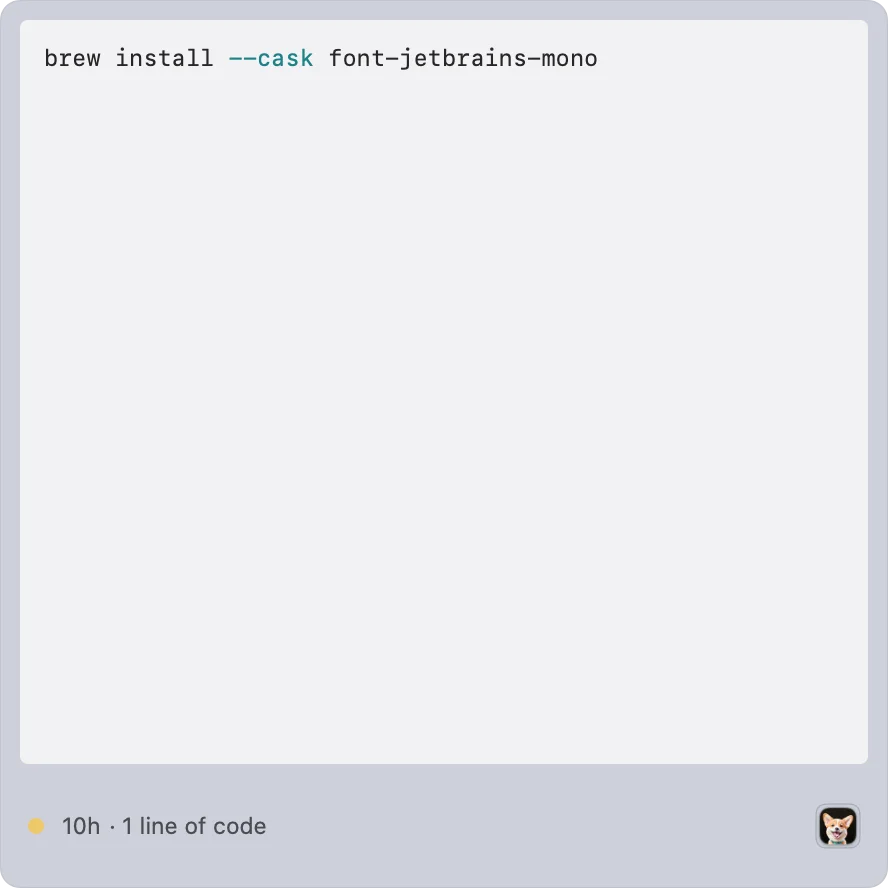
Images look like images. Code gets colors. Links get previews. Music gets its album cover. Type a word and the right card jumps out, in any of three languages.
MemorGi Window floats where you drop it, with categories on the side. Classic runs along the bottom of the screen.
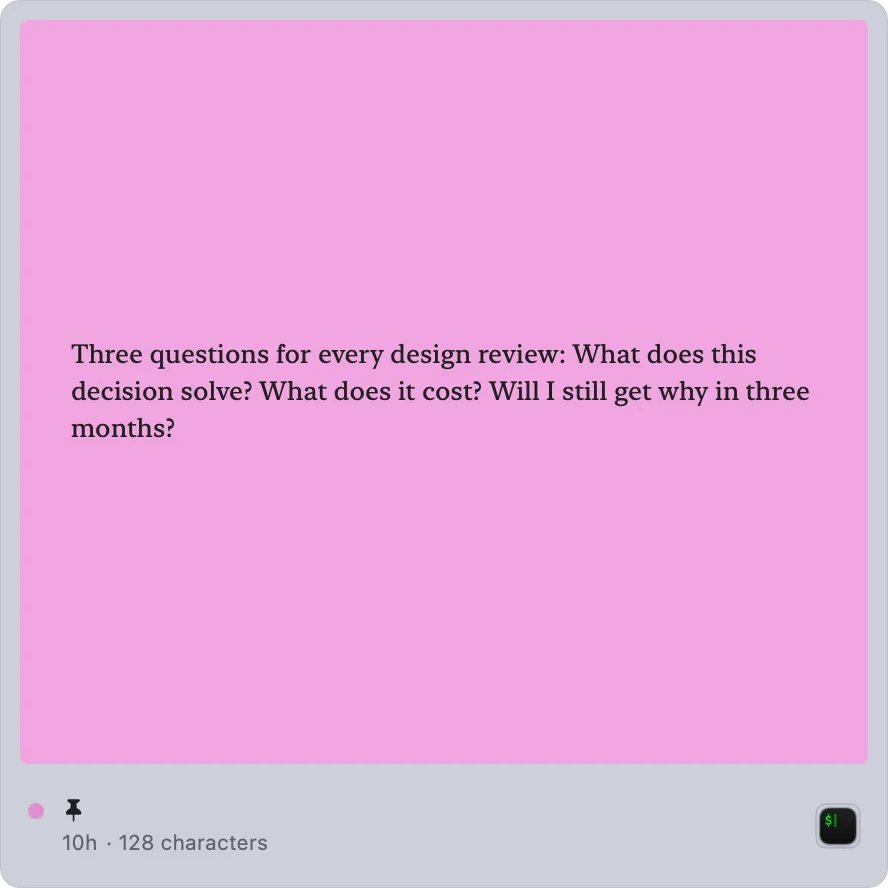
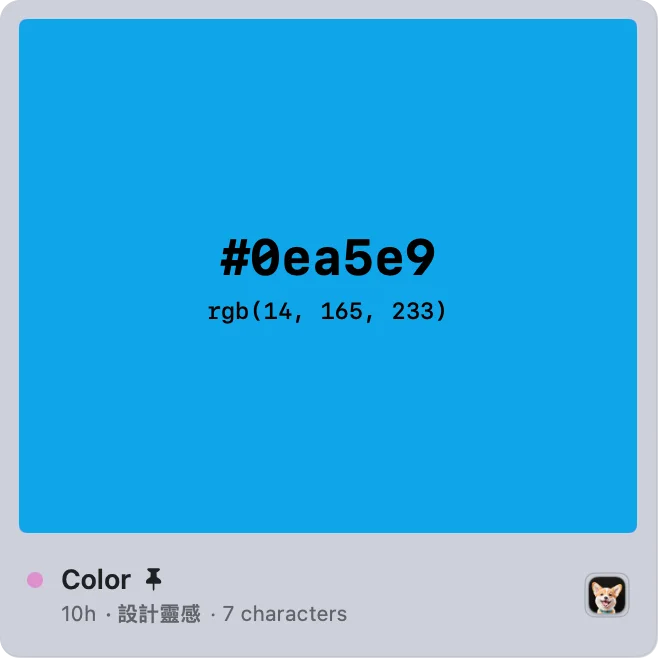
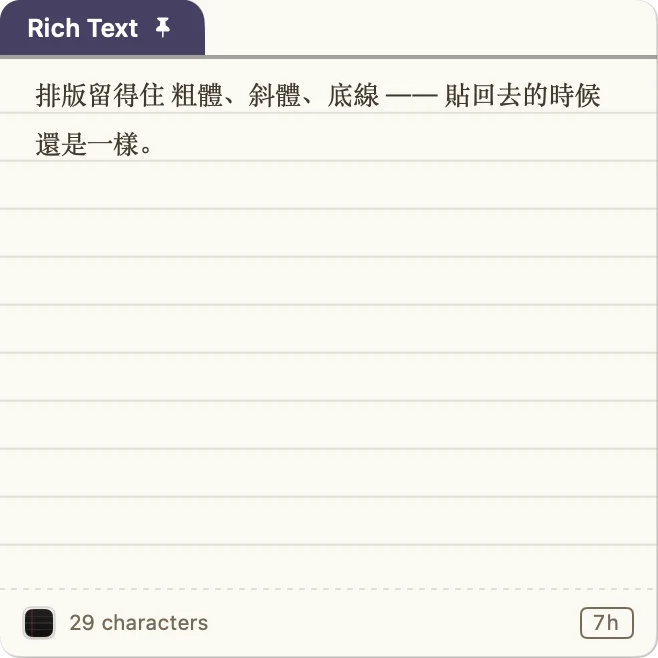
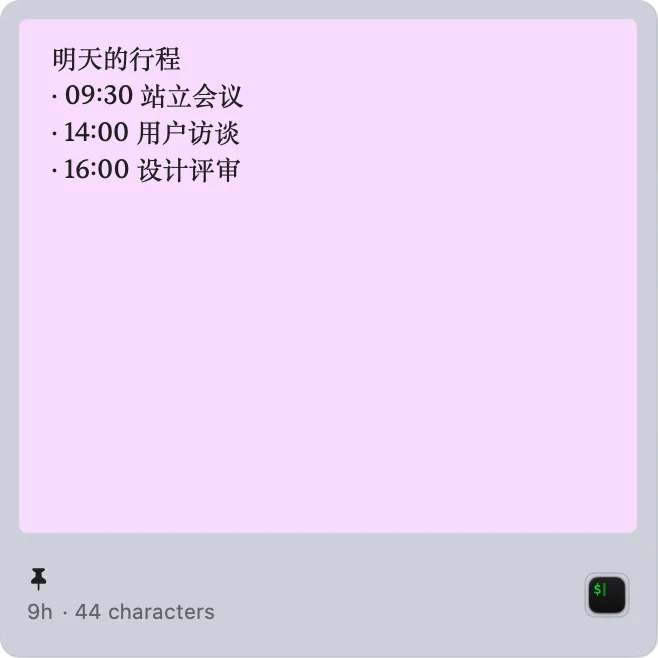
Instant Photo or Index Card. 17 themes, each light and dark.
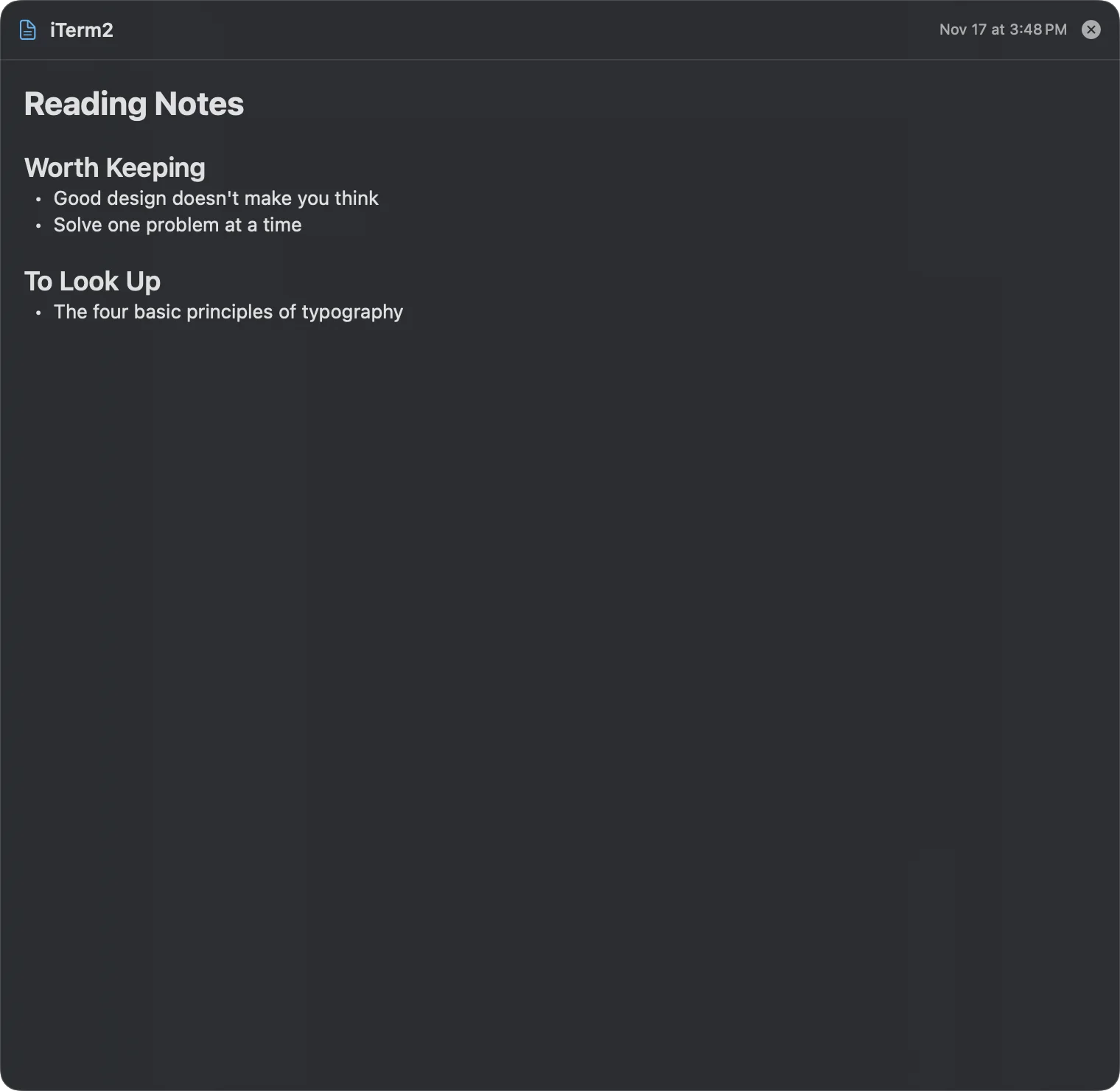
Markdown, PDFs, YouTube, JSON, QR codes, all full size.
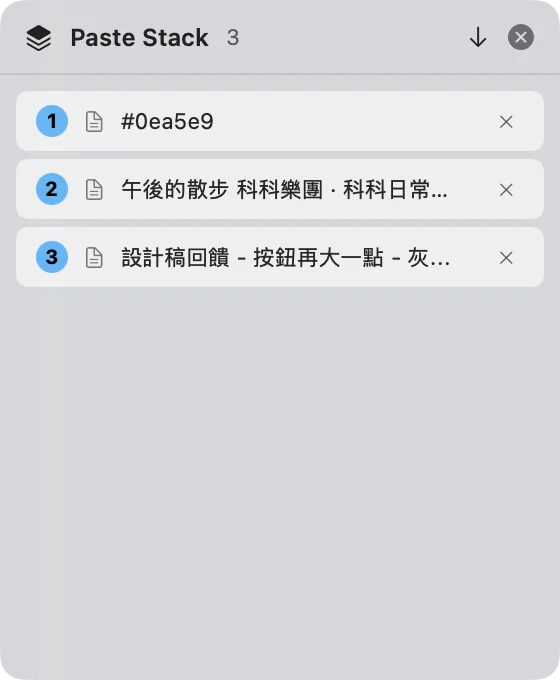
Collect a few, then ⌘V them out in order.
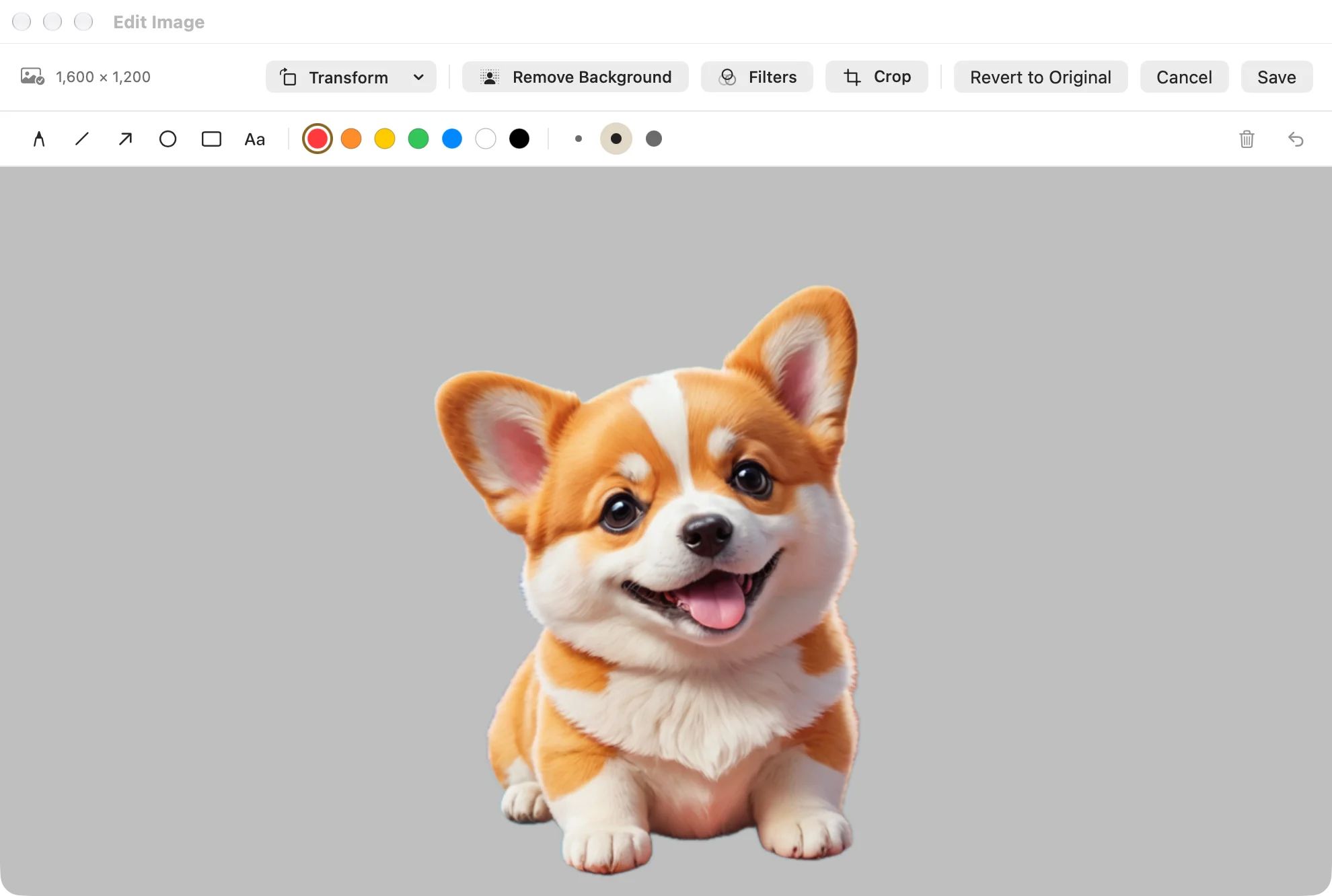
Crop, filters, markup, one-click background removal.
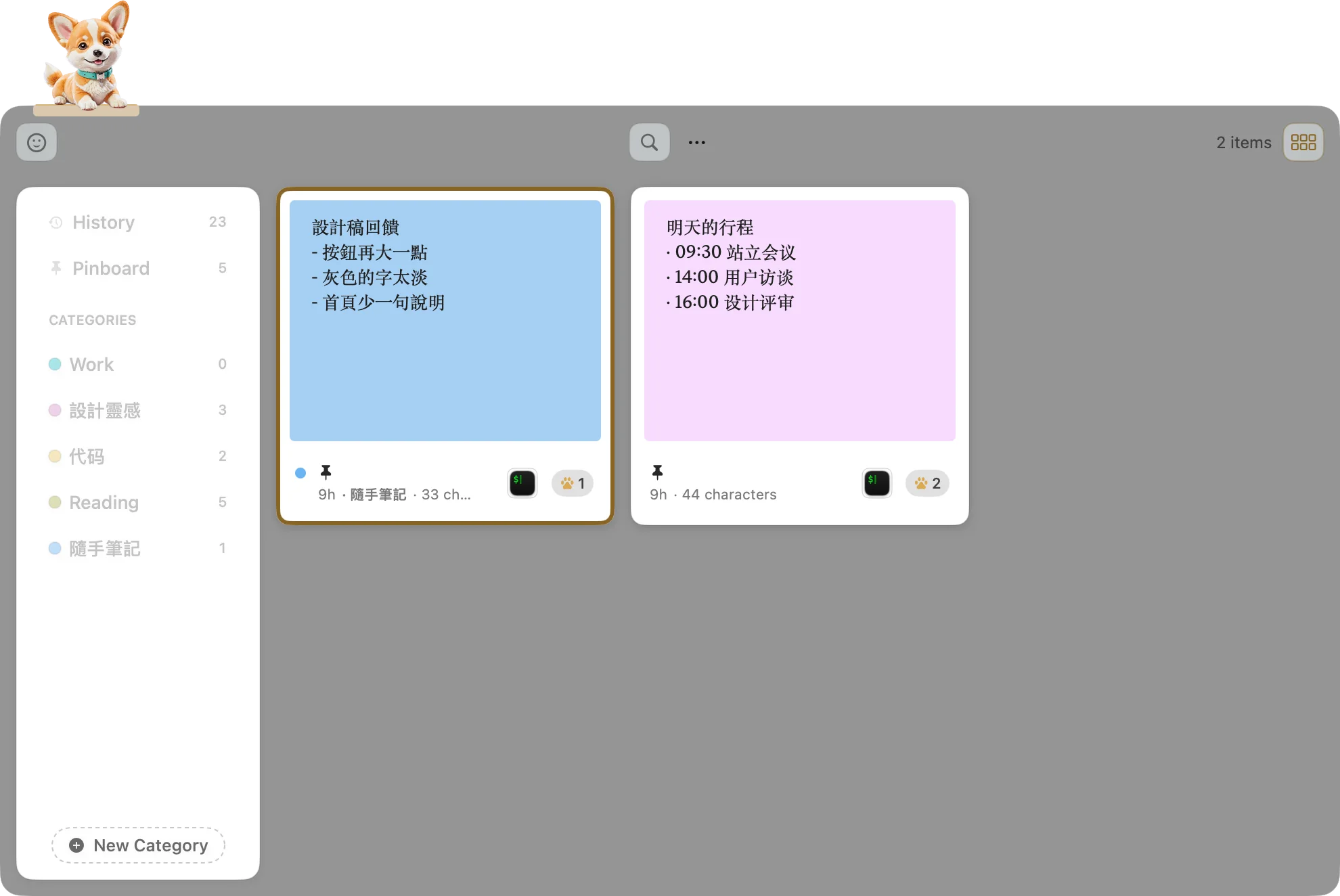
Text inside images too. 繁體 and 简体 match each other.
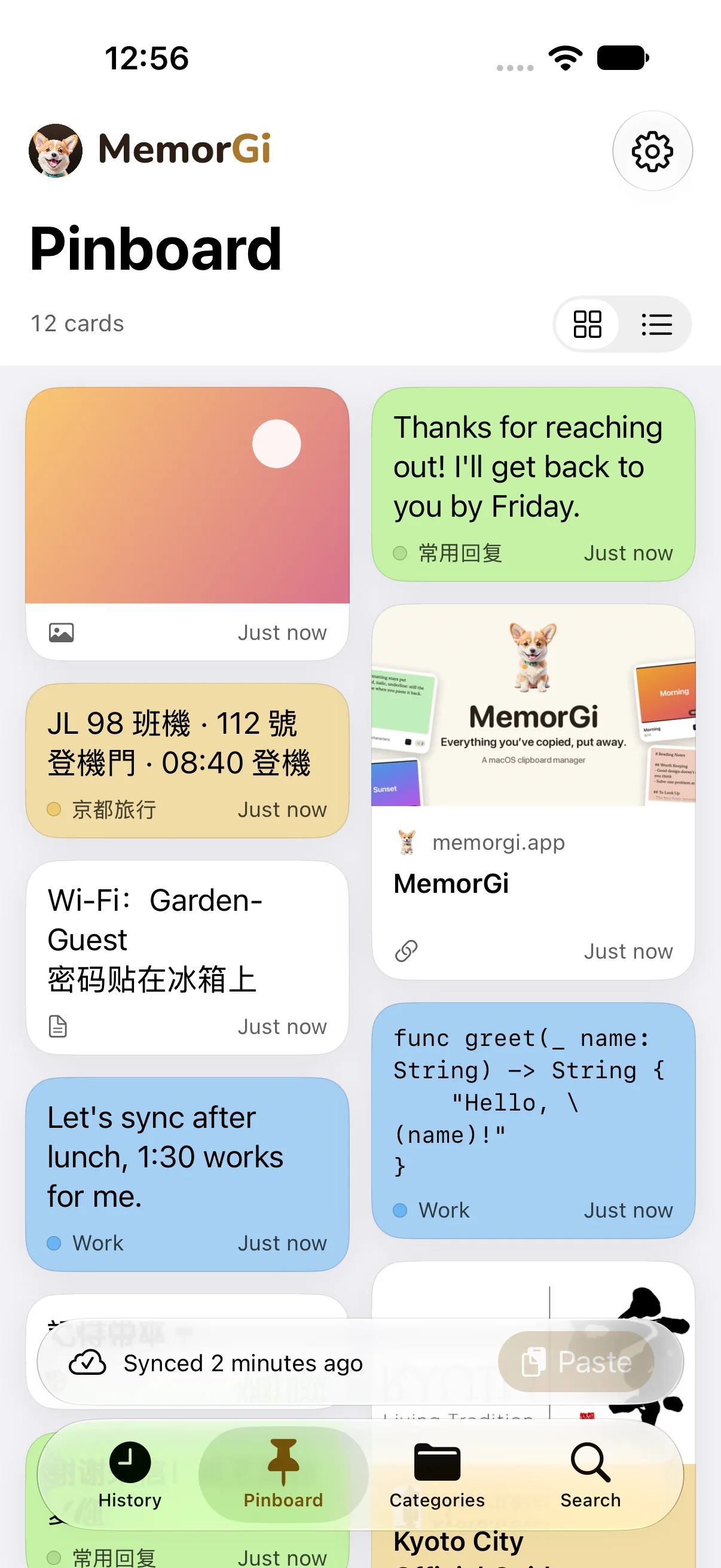
Sync through your own iCloud, off until you turn it on. One purchase covers both.
Once. Mac and iPhone. No subscription, no account, nothing leaving your Mac unless you turn on iCloud sync. Not on the App Store yet, so leave your email.
Email me at launch